Redtree IT

Laptop

Uncategorised

Say goodbye to video call pop-ups (and Teams meeting blushes)

May 27th 2024 By Matthew Phillips Say goodbye to video call pop-ups (and Teams meeting blushes) Picture this: You’re on an important video call with a client, confidently presenting your latest project updates. Suddenly, a notification pops up on your screen from your significant other, reminding you (not so discreetly) about the damage your child did during their temper tantrum this morning. Or worse, a message from your gym reminding you of your long absence. Embarrassing, right? We all know the struggle of trying to maintain professionalism during video calls while secretly battling the fear of embarrassing pop-ups stealing the show. But Microsoft is on it. They’re reportedly working on a much-needed feature that could save us all from these cringeworthy moments. Imagine being able to hide specific apps entirely while you’re on a Teams call. No more worrying about intrusive notifications stealing your thunder. This means you can say goodbye to awkward interruptions from messaging apps, or reminders that you’d rather keep private. How does it work? According to reports, Microsoft’s new feature won’t just minimise apps to the taskbar like the current workaround. Instead, it’ll completely hide them from sight, sparing you from any unexpected surprises (and blushes). And the best part? It’s not just about saving face. This feature could also help boost your device’s performance. By keeping those apps in the background, you free up valuable computing power and resources. https://player.vimeo.com/video/947423130 If you’ve ever found yourself frantically closing apps and browser windows to ensure a smooth video stream, this could be the end of that struggle. With the new feature, you can focus on what truly matters during your calls without worrying about technical hiccups or embarrassing distractions. While we’re excited about the potential of this new feature, we’ll have to wait and see if it becomes a reality. We’ll be keeping a close eye on the official Microsoft 365 roadmap for any updates and will keep you informed. In the meantime, if we can help make your business’s video calls run more smoothly, get in touch. Published with permission from Your Tech Updates.

Uncategorised

The secrets to make your laptop battery live longer
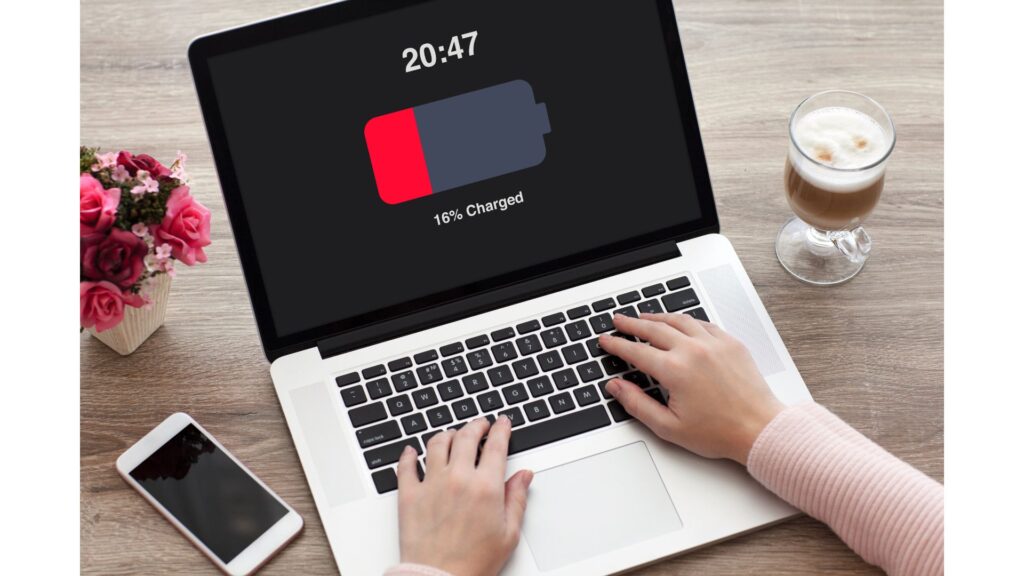
May 20th 2024 By Matthew Phillips The secrets to make your laptop battery live longer Could you imagine what it must have been like doing business 30 years ago, before you had a decent laptop? It’s a horrible thought. And one that you only need to consider now and then, when you have an hour’s worth of work to do… but only 30 mins left on your laptop battery. Nightmare. No one wants to be caught in the dreaded low battery limbo during a crucial meeting or presentation. But with a little know-how, you can extend your laptop battery’s lifespan and keep it running optimally for years to come. Understanding your battery is key. Most laptops today rely on lithium-ion batteries, which have a finite number of charge cycles. A charge cycle equals a full discharge from 0% to 100%, and each cycle diminishes the battery’s capacity. The golden rule? Avoid full discharges whenever possible… which means, don’t let the battery run out completely. https://player.vimeo.com/video/946525891 Let’s dive into your laptop’s power settings to customise your battery preferences. Hibernation mode is your friend – it kicks in before your battery hits rock bottom. And don’t forget to activate Battery Saver mode, a godsend for preserving power when your battery is running on fumes. Next, it’s time to declutter. Close background apps and say goodbye to unnecessary power drains. Toggle off Wi-Fi and Bluetooth when they’re not in use and dim screen brightness to conserve energy. But what about charging etiquette? Contrary to popular belief, keeping your laptop plugged in won’t harm your battery – modern devices are smarter than you think. Just steer clear of extreme temperatures and never let your battery dip below 20% if you can help it. When it comes to storing your laptop for a little longer than usual, put it away with around 50% charge. And if you’re ever in doubt, some battery apps offer real-time insights into your battery’s health. Lastly, stay on top of software updates. New patches and upgrades can optimise performance and minimise energy consumption, giving your battery a new lease of life. We help businesses round here get the most from their devices for as long as possible. If we can do the same for you, get in touch. Published with permission from Your Tech Updates.

Scroll to Top