Redtree IT

MFA

Uncategorised

New phishing scam is smarter than ever… here’s how to protect your business

November 25th 2024 By Matthew Phillips New phishing scam is smarter than ever… here’s how to protect your business Microsoft is warning business owners about a new type of phishing scam (where cyber criminals pose as a trusted source to trick you into giving away login info), which uses popular cloud services like SharePoint and OneDrive. Although these platforms are usually safe, scammers have figured out how to trick privacy settings to get past security checks. The scammers hack your cloud storage by stealing your login details or buying them on the black market. Once they get inside, they upload a file that is designed to look authentic – like a fake Microsoft 365 login page. They set the file to “view-only” or limit access to specific people, such as you and your team. https://player.vimeo.com/video/1024781817? Opening these files or following any links inside the emails could cause serious damage to your business. Scammers can use your information to access your systems, or they can install malware (malicious software) that lets them cause disruption and steal information. Recovering from these kinds of attacks can be expensive and time-consuming – not to mention the damage it could do to your business’s reputation. Make sure your employees are aware of this new threat and know to be cautious when opening emails, even if they appear to come from a trusted service. Before opening any shared files, double-check the sender’s identity. If something feels off, contact the sender directly to verify it. Make sure you use multi-factor authentication (MFA) across all your team’s devices. This adds an extra layer of security by requiring a second piece of information (like a code sent to your phone) along with your password. Also, keep your security software up to date so that it’s always ready to block the latest types of attack. Would you like our help protecting your business with added security, training, and monitoring? Get in touch. Published with permission from Your Tech Updates.

Uncategorised

Don’t sleep on this simple, effective security booster
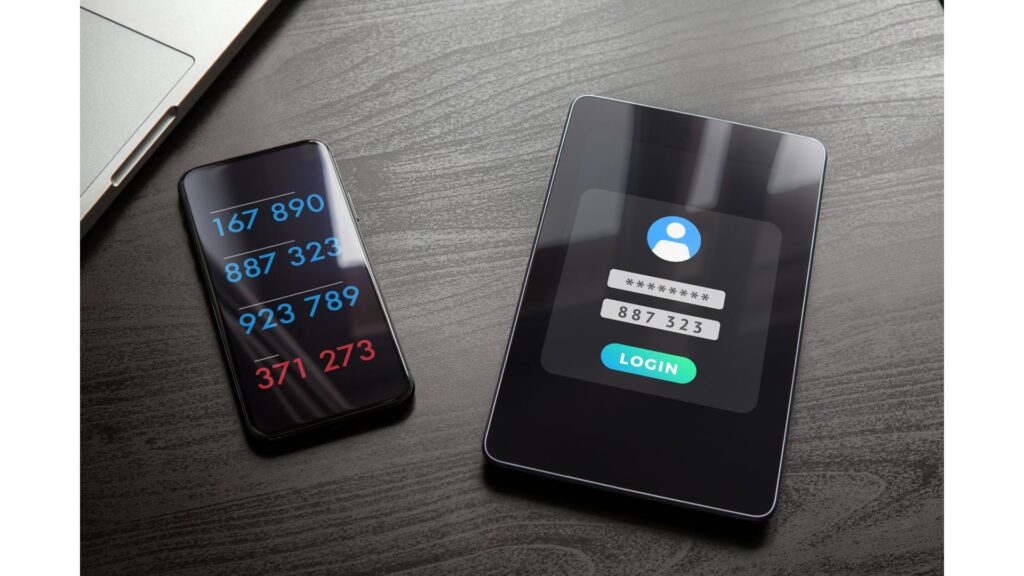
September 9th 2024 By Matthew Phillips Don’t sleep on this simple, effective security booster Microsoft recently announced that all Azure sign-ins will soon require multi-factor authentication (MFA) to boost security. Even if you don’t use Azure, a cloud computing platform, this is something you should pay attention to. Because MFA is one of the simplest and most effective ways to protect your digital assets. What is multi-factor authentication? Think of it like adding an extra security measure to the door of your business. Normally, you log into your accounts with just a password. But passwords aren’t as safe as they used to be; cyber criminals are good at cracking them. MFA adds another layer of security. It’s like saying, “OK, you have the key, but I’m going to need to see some ID too.” After entering your password, you’re asked to verify your identity a second time. This could be a code sent to your phone, a fingerprint scan, or a quick tap on an app like Microsoft Authenticator. It’s an extra step, but an important one. Even if someone manages to steal your password, they’d still need this second form of verification to get into your account. That’s a massive roadblock. https://player.vimeo.com/video/1003629655? Yes, adding another step to your sign-in process might sound like a hassle. But the reality is, it’s a small inconvenience that can save you a lot of trouble down the road. Imagine the fallout if someone gained access to your sensitive business information. The cost of a breach, in terms of both money and reputation, is much higher than the few extra seconds it takes to use MFA. There are a few different ways to set up MFA. Some people prefer getting a one-time passcode via text message, while others like the convenience of a push notification on their phone. Biometric options, like fingerprints or facial recognition, are also becoming more common. And for those who want something extra secure, there are physical security keys that plug into your computer. Microsoft’s push for MFA with Azure is just the tip of the iceberg. The truth is this kind of security measure is a business security basic. Need help setting this up and making it easy for your business? It’s what we do. Get in touch. Published with permission from Your Tech Updates.

Uncategorised

More businesses are proactively investing in cyber security defences
June 10th 2024 By Matthew Phillips More businesses are proactively investing in cyber security defences More and more businesses are making the smart decision to be proactive and invest in their cyber security defences. This is fantastic news, especially since stats show that about half of small and medium-sized businesses still have no cyber security measures at all. If your business falls into that category, it’s time to change. Cyber security might sound complex, but it starts with a few simple steps. Let’s talk about some basics you can put in place right away. First, think about encryption and multi-factor authentication (MFA). Encryption is like putting your data in a secure vault. It ensures that even if someone intercepts your information, they can’t read it without the encryption key. MFA adds an extra layer of security by requiring you to verify your identity using a second device, like your phone, whenever you log in. It’s a bit like needing two keys to open a lock instead of just one. Another easy step is using a password manager. These generate long, random passwords for every account and remember them for you. Password managers make life easier and your business more secure in one package. Amazing. Advanced monitoring tools are another great way to protect your business. They’re a little like security cameras for your digital space, always on the lookout for anything suspicious. These tools help detect unusual activity in your systems, giving you a heads-up if something’s not right. And let’s not forget about protecting your business from phishing scams. These are attempts by criminals to trick you into giving away personal information by pretending to be someone you trust, like a supplier or a bank. Educating your team on how to spot these scams is crucial. If something feels off, it probably is. https://player.vimeo.com/video/950285013 Why is investing in cyber security so important? It protects your data Avoids financial loss And builds trust with your customers and partners   Your business data is valuable, and protecting it means safeguarding your business’s operations and reputation. Cyber-attacks can be costly, not just in terms of money but also time and resources. Prevention is ALWAYS cheaper than dealing with the aftermath of a breach. Plus, showing that you take security seriously helps build trust with your customers and partners. They need to know that their information is safe with you. Investing in cyber security doesn’t have to be daunting. We’re the experts in this field and would love to help you secure your business. Whether you need advice on getting started or want a comprehensive security plan, get in touch. Published with permission from Your Tech Updates.

Scroll to Top